SITL simulation with ArduPilot
Start PteroSim, spawn the F450 drone while the simulation is stopped, then press Start on the simulation panel. For ArduPilot, it is recommended to set Physics Hz to 1000 with the top slider.
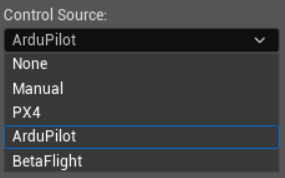
In the control source panel choose ArduPilot:
On Ubuntu/WSL, head to ArduPilot folder and launch ArduPilot SITL while putting your Ubuntu IP address in
JSON:[IP-address]:python3 Tools/autotest/sim_vehicle.py -v ArduCopter -f quad --model JSON:[IP-address] --no-rebuild -w -P FRAME_TYPE=1
This command is an F450 quad example. Other vehicle types use different
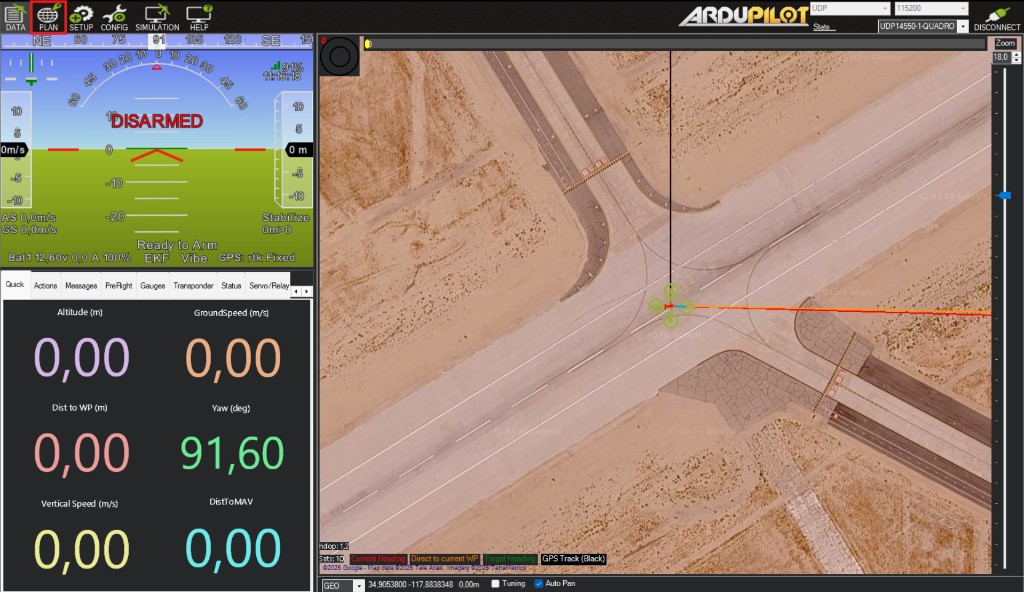
sim_vehicle.pyoptions (vehicle type, frame, and parameters).Launch Mission Planner and open the Plan tab in the top left of the screen:
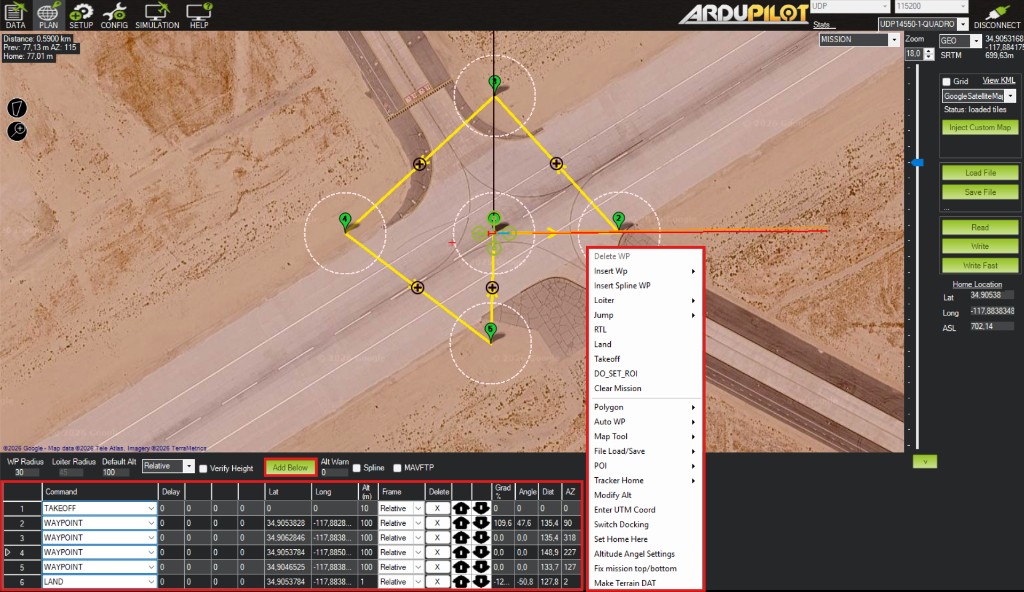
Build a mission either from the bottom waypoint table or by right-clicking on the map. Then click Write on the panel on the right side of the screen to upload the mission:
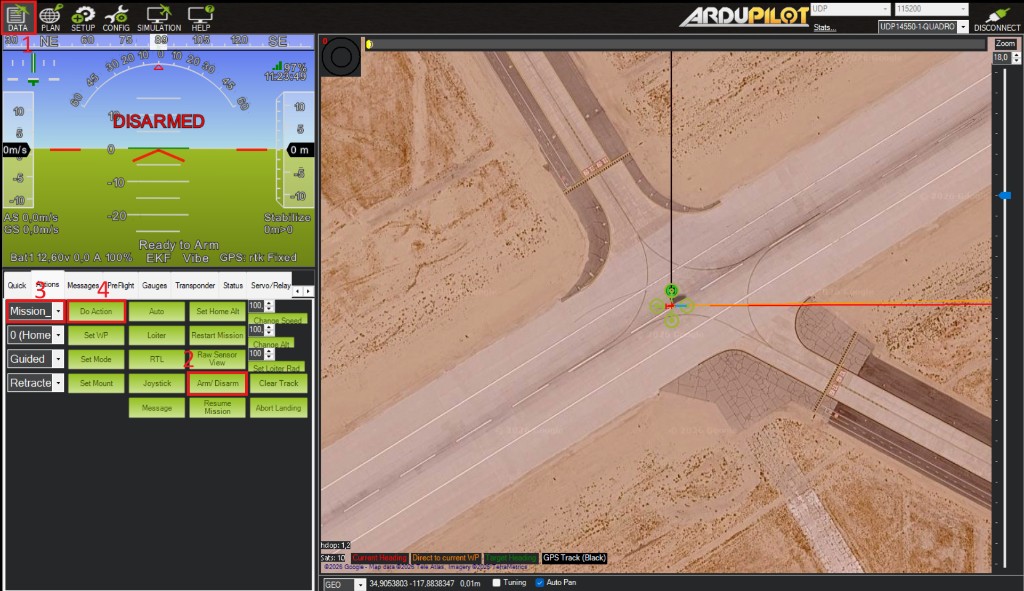
Go to the Data tab. Open Actions and click Arm/Disarm. Select mission_start and click Do Action.